
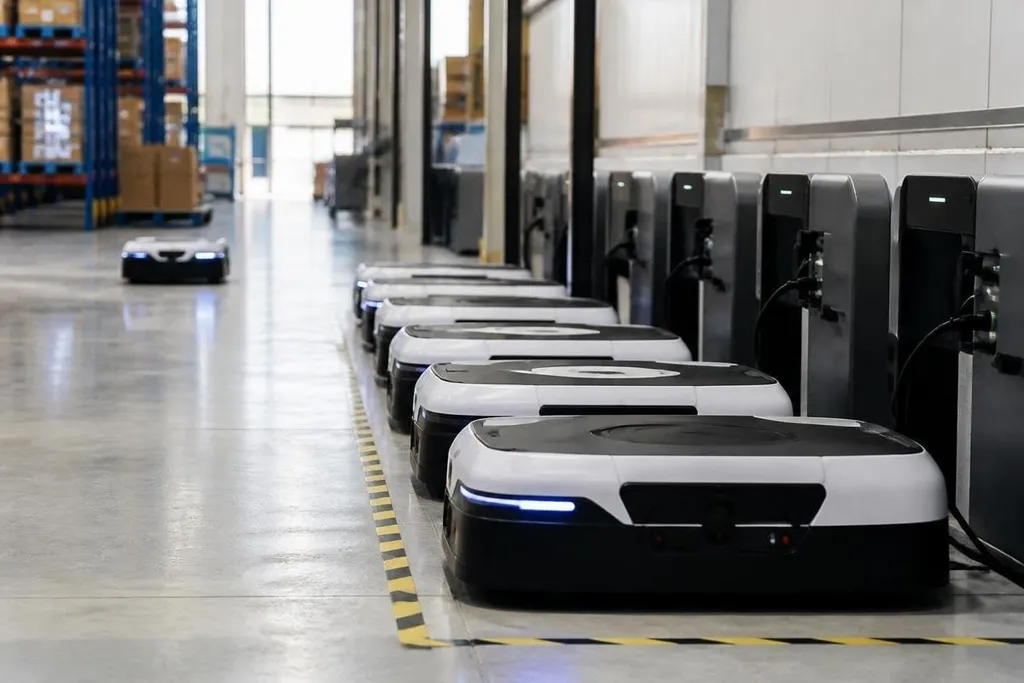
A robot fleet can finish its tasks and still create a difficult power bill. The reason is simple: every unit draws power while it moves, senses, computes, charges, and waits.
For an operations manager, the useful question is not only how much energy one robot uses. It is how the fleet changes the building’s demand across a full shift.
- Energy adds up: battery size and daily electricity use are different numbers.
- Charging creates peaks: many robots can draw power at the same time.
- Work changes the load: payload, speed, floor surface, and idle time all matter.
Power, energy, and the fleet total
Power is the rate at which a robot uses electricity, measured in watts or kilowatts. Energy is the amount used over time, measured in watt-hours or kilowatt-hours.
A robot drawing 500 W for two hours uses 1 kWh. The same robot can use more or less in practice because its motors may work harder under load, while its sensors and computer keep drawing power during stops.
That distinction matters when you plan a fleet. A battery may hold a certain amount of energy, but the building must also handle the charging power needed to refill many batteries within the available window.
A fleet of mobile robots can therefore create two separate costs. The first is the energy used during work. The second comes from the electrical equipment and service capacity needed to charge the fleet.
What makes robots use more energy
Movement usually takes the largest share for mobile robots, though the exact split depends on the design and task. Carrying a heavier load, climbing a ramp, moving on a rough floor, and accelerating often demand more motor power.
Sensors and computers add a steady load. A robot using cameras, LiDAR, wireless links, and onboard computing may still consume electricity while it waits for a task. That idle draw can matter when the fleet sits in a staging area between work periods.
Charging also loses some energy as heat. The battery receives less energy than the charger pulls from the building, so a fleet plan based only on battery capacity will understate site demand.
A fleet’s energy model needs more than battery size. It also needs the site, charger, shift plan, and measured demand. Robot24.com fleet energy reporting can place those figures beside named deployments, so you can compare a paper estimate with the load a real fleet puts on the building.
Why charging schedules matter
If every robot starts charging at the same time, the site sees a short period of high demand. That peak may matter more to the facility than the total number of kilowatt-hours used across the day.
Charging software can spread the work across a longer window. The trade-off is clear: delayed charging may reduce the peak, but it can leave fewer robots ready for the next shift.
Battery swapping changes the timing rather than removing the energy need. The fleet still has to refill the spare batteries, and the charging area may need room, cooling, and safety controls.
Regenerative braking can return some energy during deceleration when the robot and drive system support it. The recovered amount depends on the route and motion pattern, so it should be measured for the actual task rather than assumed from a brochure.
A practical fleet energy check
Before buying or expanding a fleet, collect the operating data that connects robot work to the building’s electric load:
- Record task hours: separate moving, waiting, charging, and powered-down time.
- Measure site demand: use charger and facility meters during a full operating cycle.
- Track route conditions: note ramps, floor changes, payloads, speed limits, and stop frequency.
- Set charging rules: define when robots can charge and how many chargers may run together.
- Check battery health: compare charge time and usable energy as packs age.
- Price the electrical work: include chargers, wiring, cooling, controls, and any service upgrade.
This check also exposes a common planning error: sizing the fleet for peak task demand without sizing the charging system for peak electrical demand. A robot count that works on paper may need a slower charge schedule or a larger connection to the building.
The number to ask for
Ask the supplier for measured energy use per task cycle, the test payload, route details, charge losses, and the number of robots running together. If those conditions are missing, the figure has limited value for a real site.
I’d treat a fleet energy claim as incomplete until it includes the building load and charging schedule, not only the robot’s battery size. The next useful test is a full-shift pilot that records kWh, peak kW, task output, and battery state at the same time.